
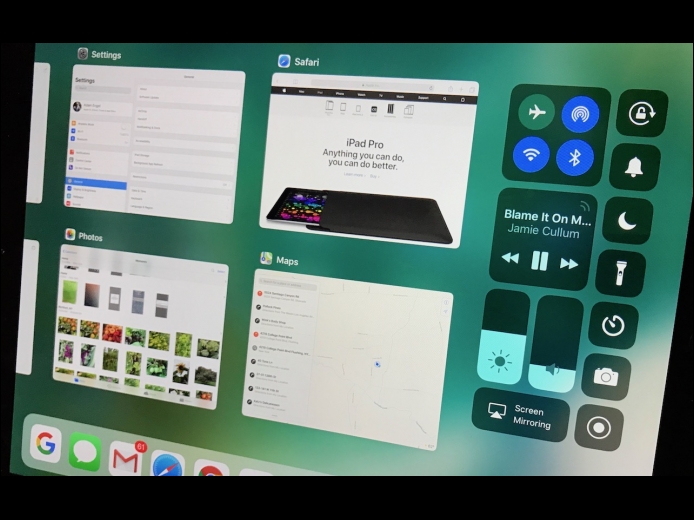
Apple has long argued that you can use the iPad for productivity but hasn’t backed that claim up with the necessary features in iOS. Until now, that is, with the new iPad-centric capabilities of iOS 11. These changes mean that an iPad running iOS 11 is more like a Mac, and that’s a good thing for those who want to do real work with their iPads.
Read More
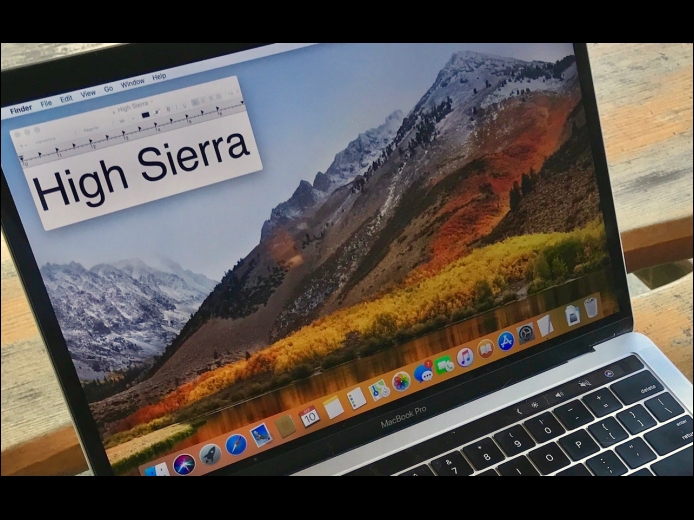
Although Apple’s eye-catching Desktop image of the High Sierra mountains makes it easy to confirm that your Mac is running High Sierra, the most noteworthy new features are invisible! These changes are aimed at improving your Mac’s performance. But, don’t worry that there’s nothing new in High Sierra to play with—you’ll find plenty to do in Apple’s apps, and we’ll share our favorite features below.
Read More
If your MacBook’s battery charge is dropping faster than you think is reasonable, it’s time to look for the culprit. Click the Battery icon in the menu bar and wait a few seconds for the Battery menu to display power information, including which apps are using significant energy. Obviously, you can’t quit apps you’re using, and you can’t control some items that may appear here, like Spotlight, but if an app like Photos is sucking power in the background, quit it until you can plug in again.
Read More